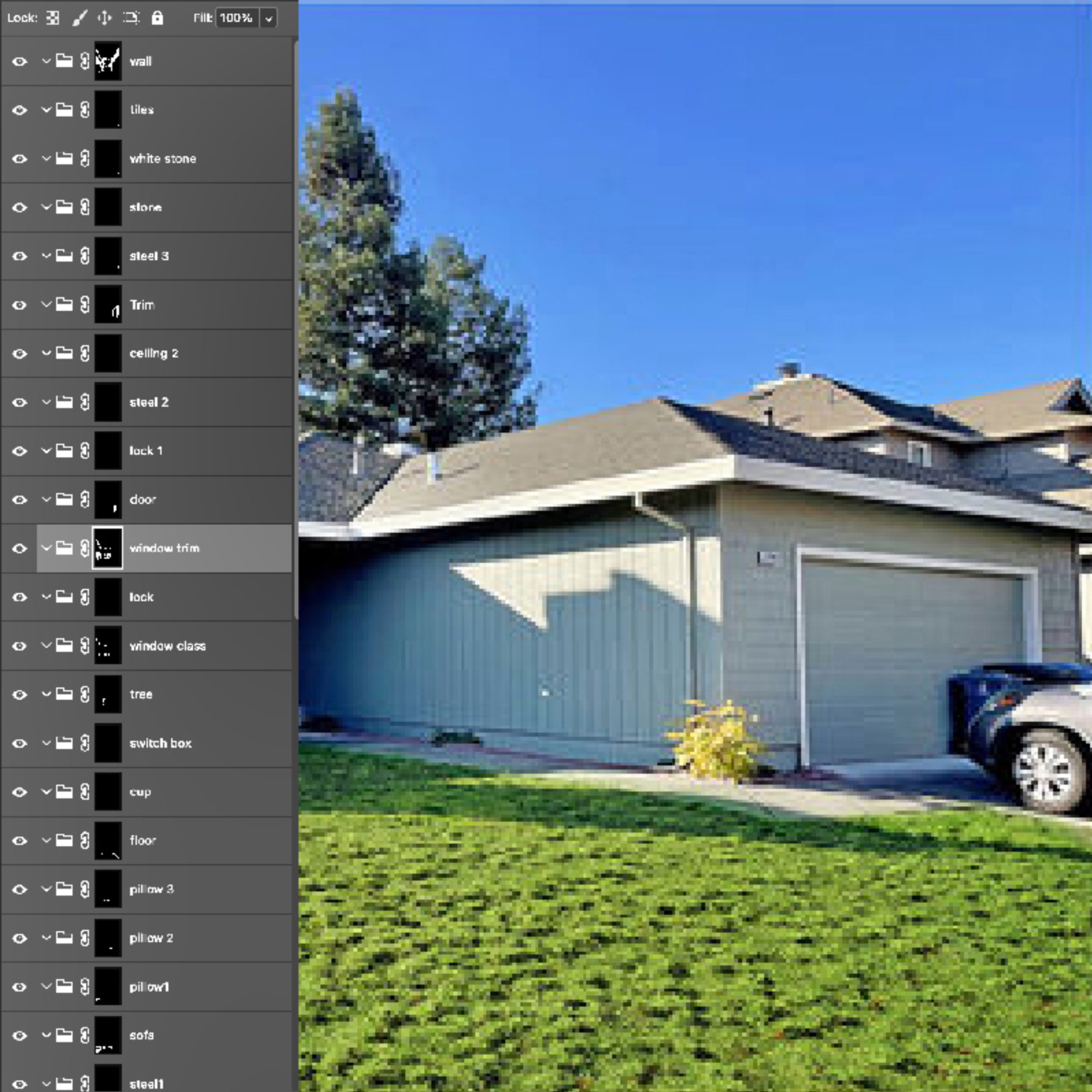
In the world of e-commerce and professional photography, not every image is a simple, single object. Often, you will encounter photographs that contain multiple items that need to be isolated, edited, or color-corrected independently. This is where a standard clipping path fails, and multiple clipping path services become essential.
If you are a fashion retailer, a catalog manager, or a professional photographer, understanding how multiple clipping paths work can save you countless hours of frustrating manual editing. Let’s dive deep into this advanced photo editing technique.
What is a Multiple Clipping Path?
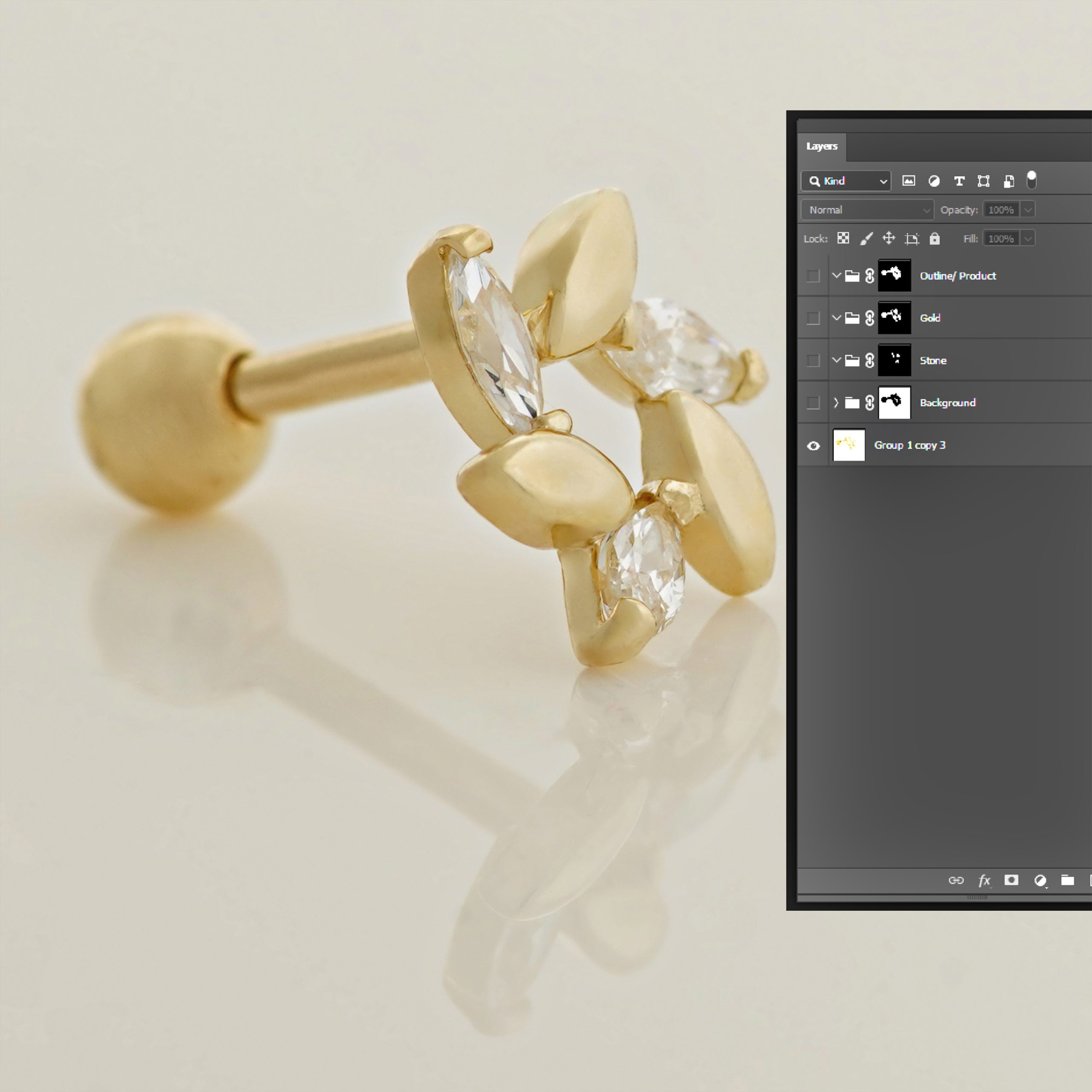
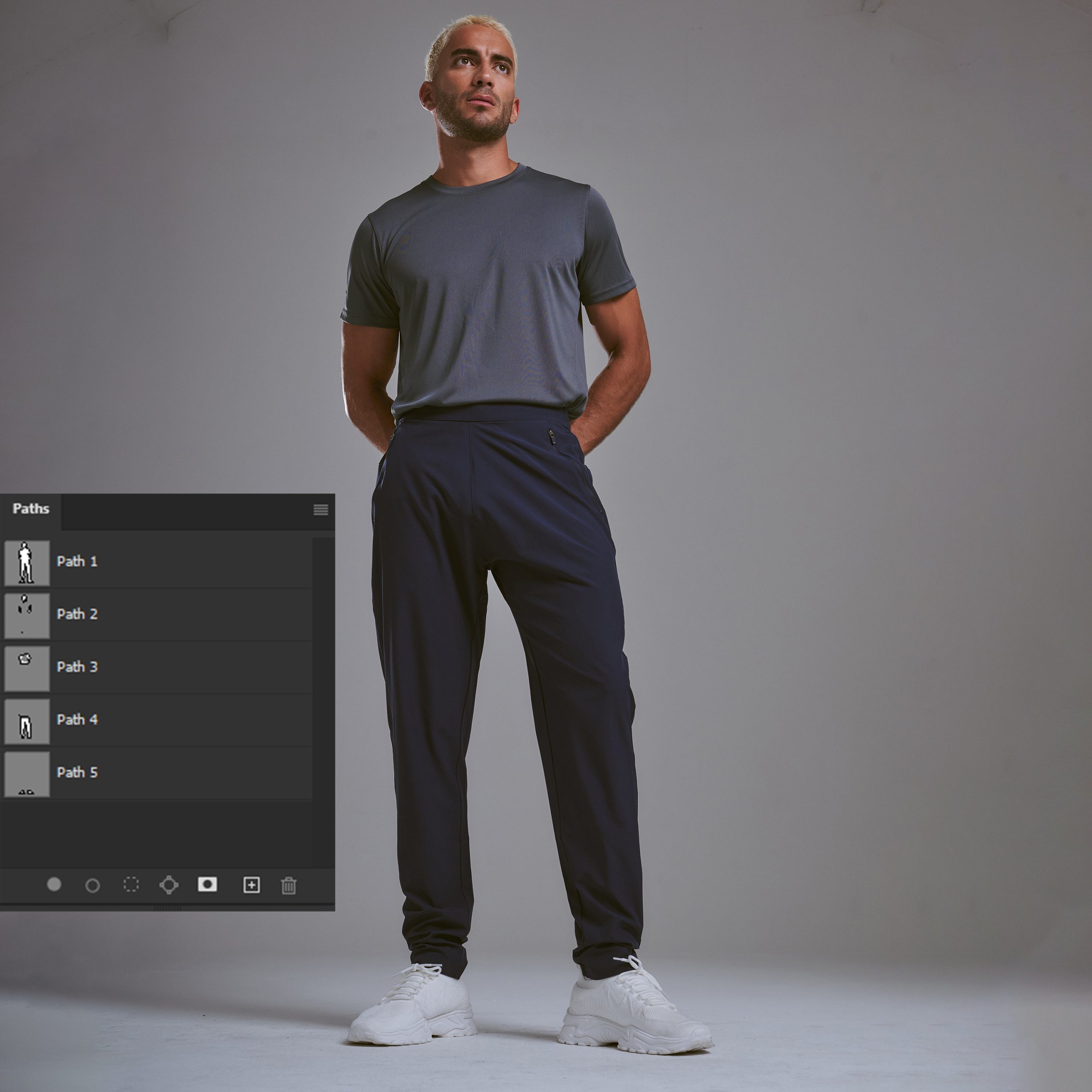
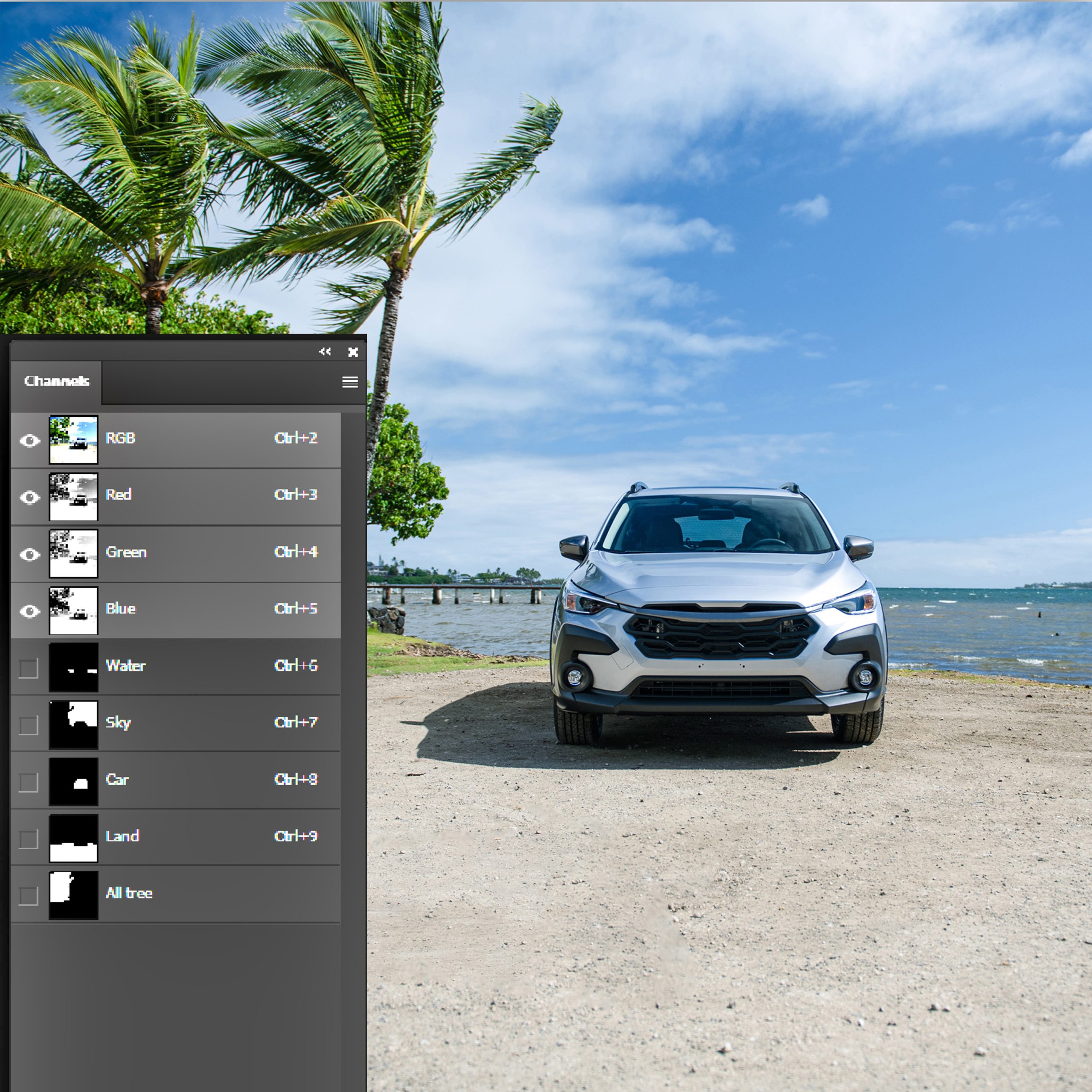
A multiple clipping path is a technique used when an image contains several distinct objects that need to be separated from each other, or from the background, in different ways.
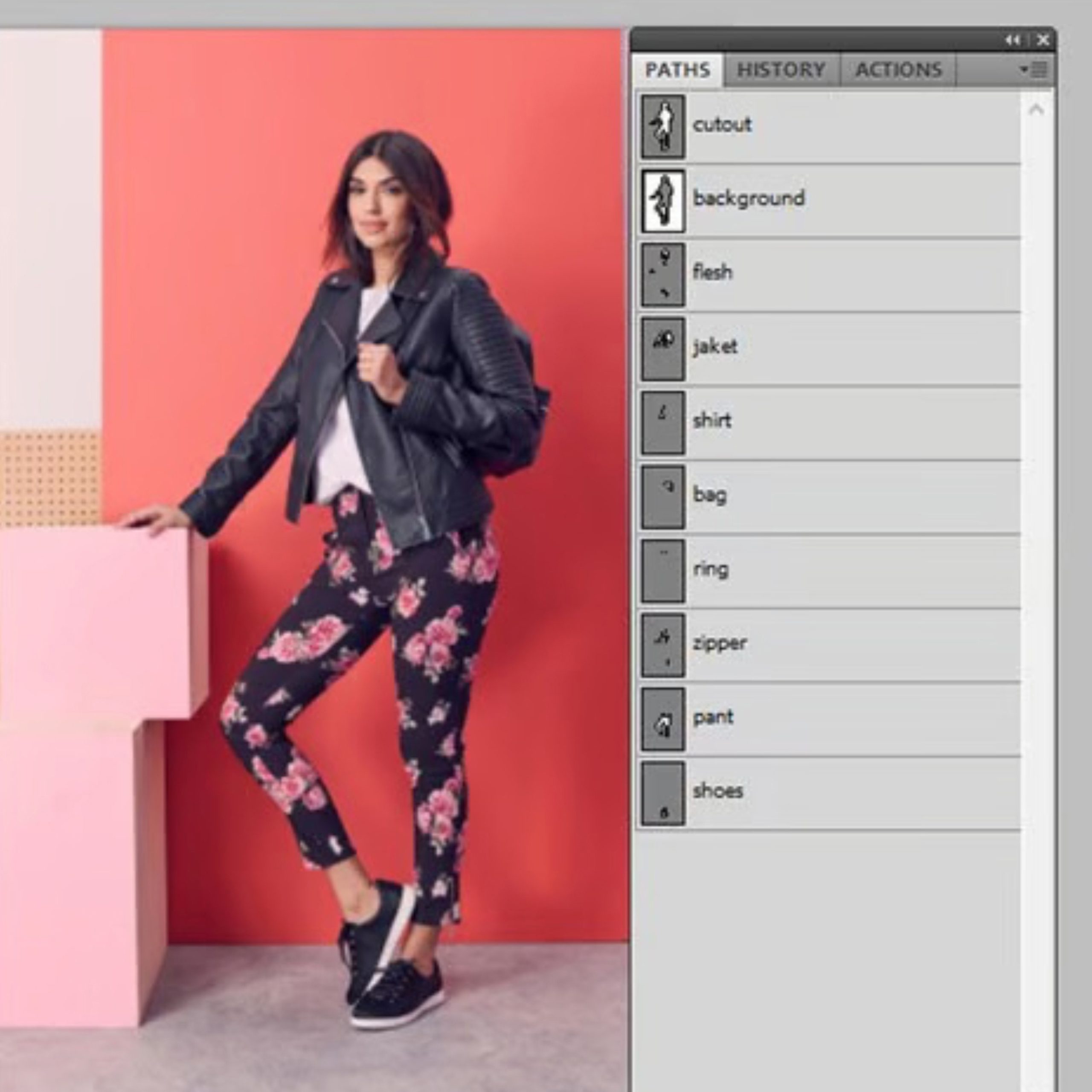
Imagine a photograph of a model wearing a jacket, holding a leather bag, and wearing a hat. If you only want to change the background, a simple clipping path around the entire model works. But what if you need to change the color of the jacket, replace the hat with a different one, and sharpen the details of the bag? You cannot do this with a single path. You need a separate clipping path for the jacket, another for the hat, and another for the bag. This is the power of multiple clipping paths.
Why Do You Need Multiple Clipping Paths?
There are several scenarios in e-commerce and digital marketing where multiple clipping paths are absolutely necessary:
1. Creating Composite Images
If you want to create a completely new scene by combining different elements from different photos, you need to isolate each element perfectly. Multiple clipping paths allow editors to extract specific items without affecting the rest of the image.
2. Independent Color Correction
In fashion photography, the color of a shirt might look slightly off, but the pants might be perfect. With multiple clipping paths, an editor can adjust the color, brightness, and contrast of the shirt without altering the pants. This ensures 100% color accuracy for every product in the photo.
3. E-Commerce Catalog Management
Major retailers often sell items in sets (e.g., a bedroom furniture set, a makeup kit, or a clothing outfit). If they want to sell the items individually, they need to isolate each item from the original group photo. Multiple clipping paths make this process seamless and efficient.
The Technical Challenges of Multiple Clipping Paths
Creating a single clipping path requires precision. Creating multiple clipping paths within the same image requires an advanced level of skill and patience.
The editor must ensure that the paths do not overlap incorrectly, that the edges are razor-sharp, and that the lighting and shadows remain consistent across all isolated objects. If the paths are not drawn perfectly, the final image will look fake, with strange halos or cut-off edges. This is why outsourcing to professional multiple clipping path experts is highly recommended.
How Our Multiple Clipping Path Services Work
At our agency, we follow a rigorous process to ensure flawless results:
-
Image Analysis: We study the image to identify all the distinct objects that need isolation.
-
Path Creation: Our senior editors use advanced Photoshop Pen Tool techniques to draw precise paths around each object.
-
Independent Adjustments: We apply color correction, shadow creation, and background removal to each object independently, based on your requirements.
-
Quality Assurance: Every image goes through a multi-level QA process to ensure the edges are perfect and the colors are accurate.
Conclusion
Don’t let complex images slow down your workflow or ruin your marketing campaigns. Whether you need to isolate multiple products from a single photo or create stunning composite images, our multiple clipping path services are here to help.
[Contact Us Today] to discuss your project and get a free trial for your complex images!
Frequently Asked Questions (FAQ)
1. What is the difference between a simple and a multiple clipping path?
A simple clipping path isolates one single object from its background. A multiple clipping path isolates several distinct objects within the same image, allowing each to be edited separately.
2. Can you isolate objects with shadows?
Yes, we can create separate paths for the object and its shadow, ensuring the shadow remains realistic even after the background is removed.
3. How long does it take to edit an image with multiple clipping paths?
It depends on the complexity of the image, but usually, we can deliver high-quality multiple clipping paths within 12 to 24 hours.